Offline sync
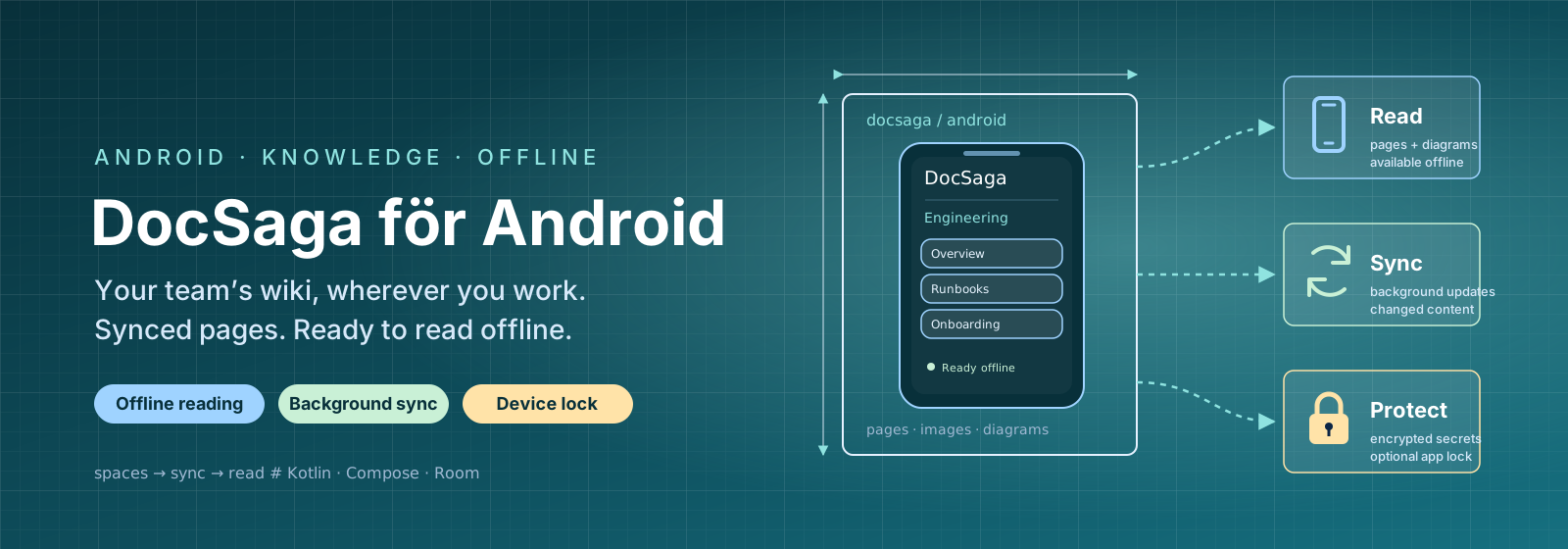
Spaces, page trees and page content sync in the background and are stored locally, daily, weekly or on demand. Only changed content is downloaded again.
USE CASEA field technician enters a basement without coverage and still has all their synced wiki content available.
Rich page content offline
Tables, checklists, tabs, columns and information blocks render just as they do in the browser, without a connection, with clear placeholders for content that has not yet synced.
USE CASEA support technician reads an operating procedure with warning boxes and a network diagram, without a laptop or network connection.
Diagrams & images
PlantUML, Mermaid, draw.io and Excalidraw diagrams are rendered as images and cached locally, with full-screen pinch-to-zoom for details.
USE CASEAn on-call engineer zooms into an architecture diagram on their phone during an incident.
Linked navigation
Internal wiki links and page hierarchies work just like the web version. Browse connected pages entirely offline.
USE CASEA new employee follows onboarding pages on the metro without a network connection.
Device security
Optional app locking with biometrics, PIN, pattern or password. The server address and API key are stored encrypted in the device’s keystore.
USE CASEA consultant leaves their phone on the table between client meetings, knowing that documents are locked behind biometrics.
Update notifications
A local notification appears when background sync retrieves new or changed content, with a shortcut straight into the app.
USE CASEA manager receives a notification when a policy page they subscribe to is updated.