Visual editor
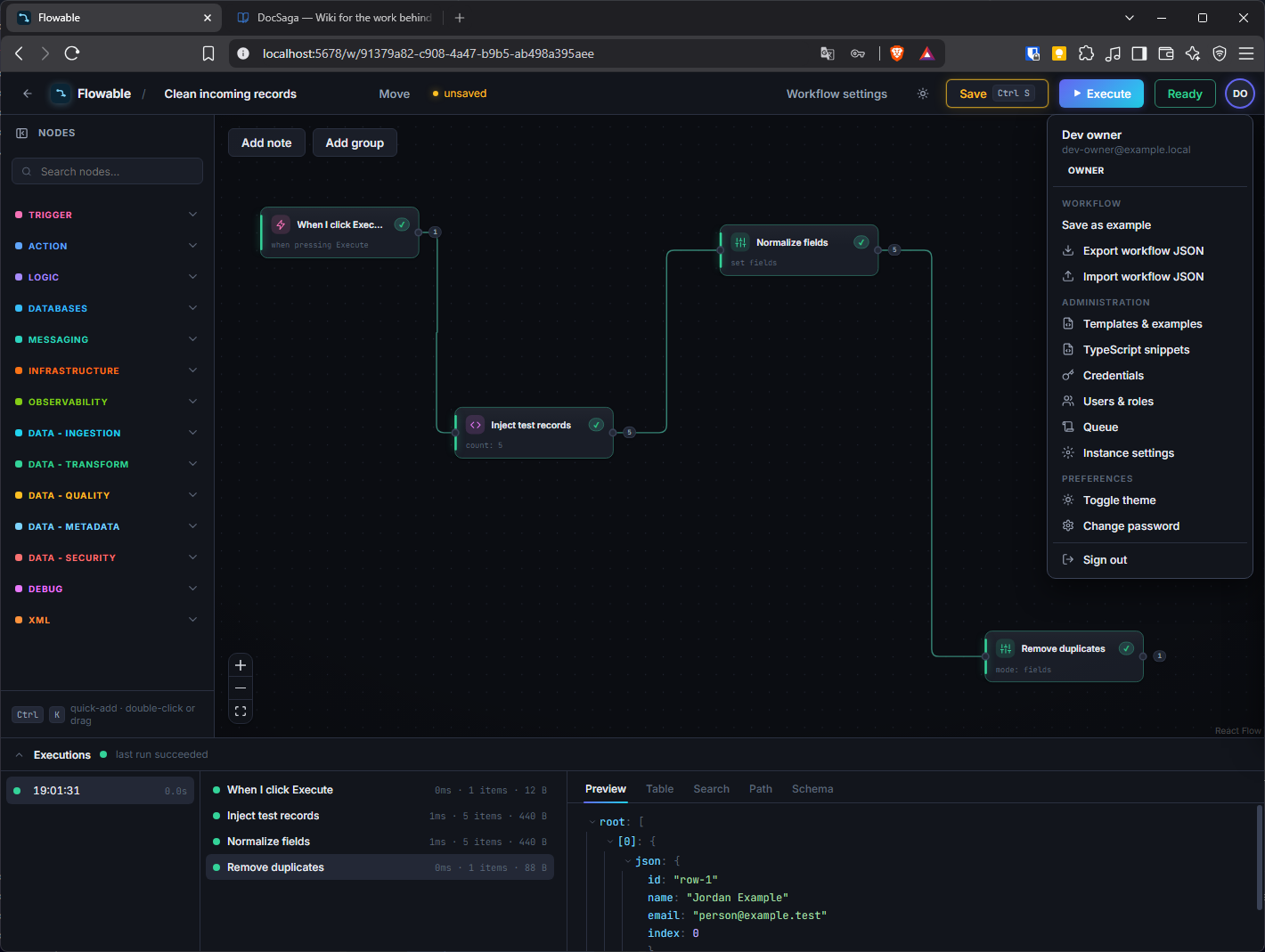
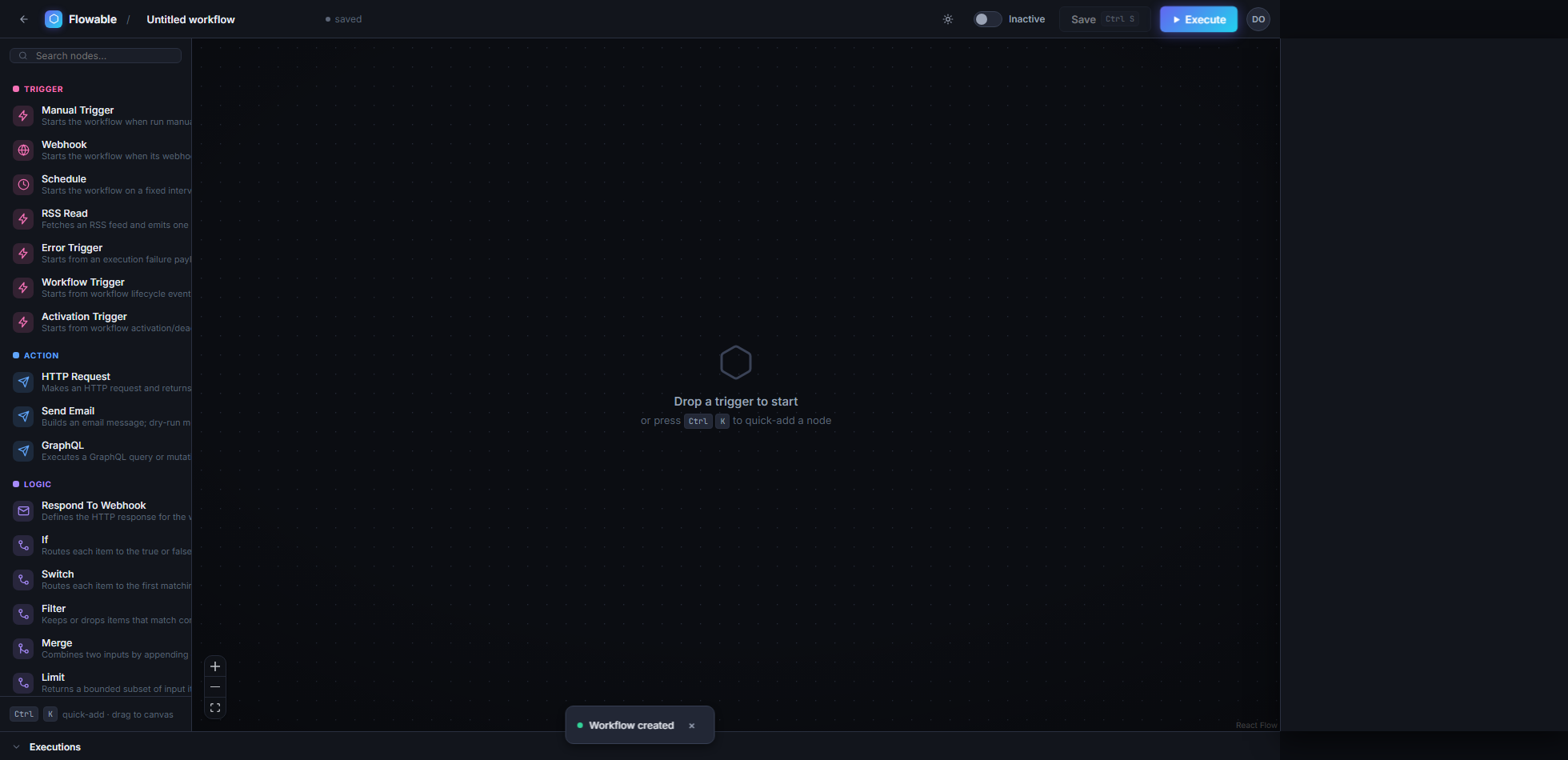
Build workflows as nodes on a canvas, with a command palette, guided setup for complex nodes and a readiness check before execution.
USE CASEAn operations team builds an incident workflow with a webhook, HTTP request, conditional branch and notification without writing code.
Triggers & scheduling
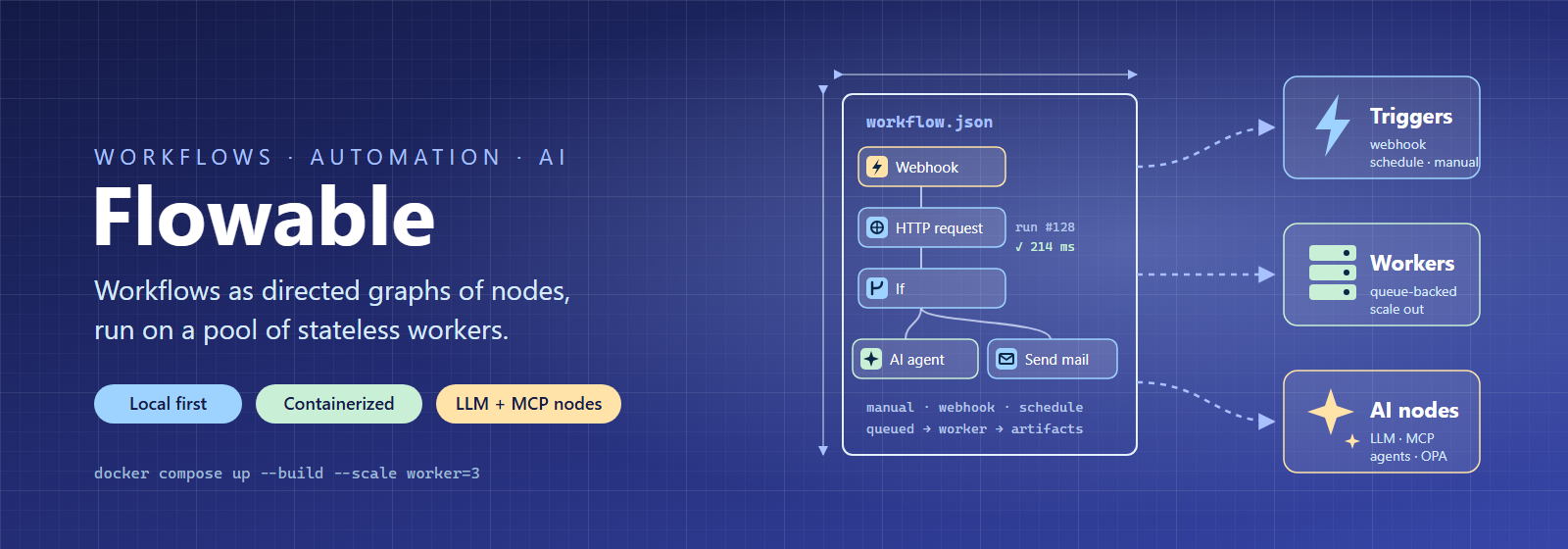
Start manually, through a webhook or on a cron schedule, with queue logic that tracks activation and limits requests.
USE CASEA finance team schedules a nightly workflow that retrieves database data, transforms it and writes a report to storage.
Ready-made nodes & AI
Databases, message queues, search engines and infrastructure combine with LLM nodes, an AI agent and MCP tools. The node catalogue shows available building blocks.
USE CASEA data engineer chains Kafka, Elasticsearch and a PostgreSQL batch insert into a small ETL pipeline using ready-made adapters.
Scalable execution engine
Queue-based execution with atomic claims and heartbeats. Stateless workers scale horizontally, and interrupted jobs resume automatically instead of being lost.
USE CASEAn operations lead scales up to four workers before a batch window without worrying about duplicate or lost jobs.
Execution history & debugging
See exactly what each node received and produced, with streaming support for large datasets and trace IDs throughout the execution.
USE CASEA builder investigates a failed nightly run, inspects JSON data node by node and restarts from the exact node that failed.
Roles & permissions
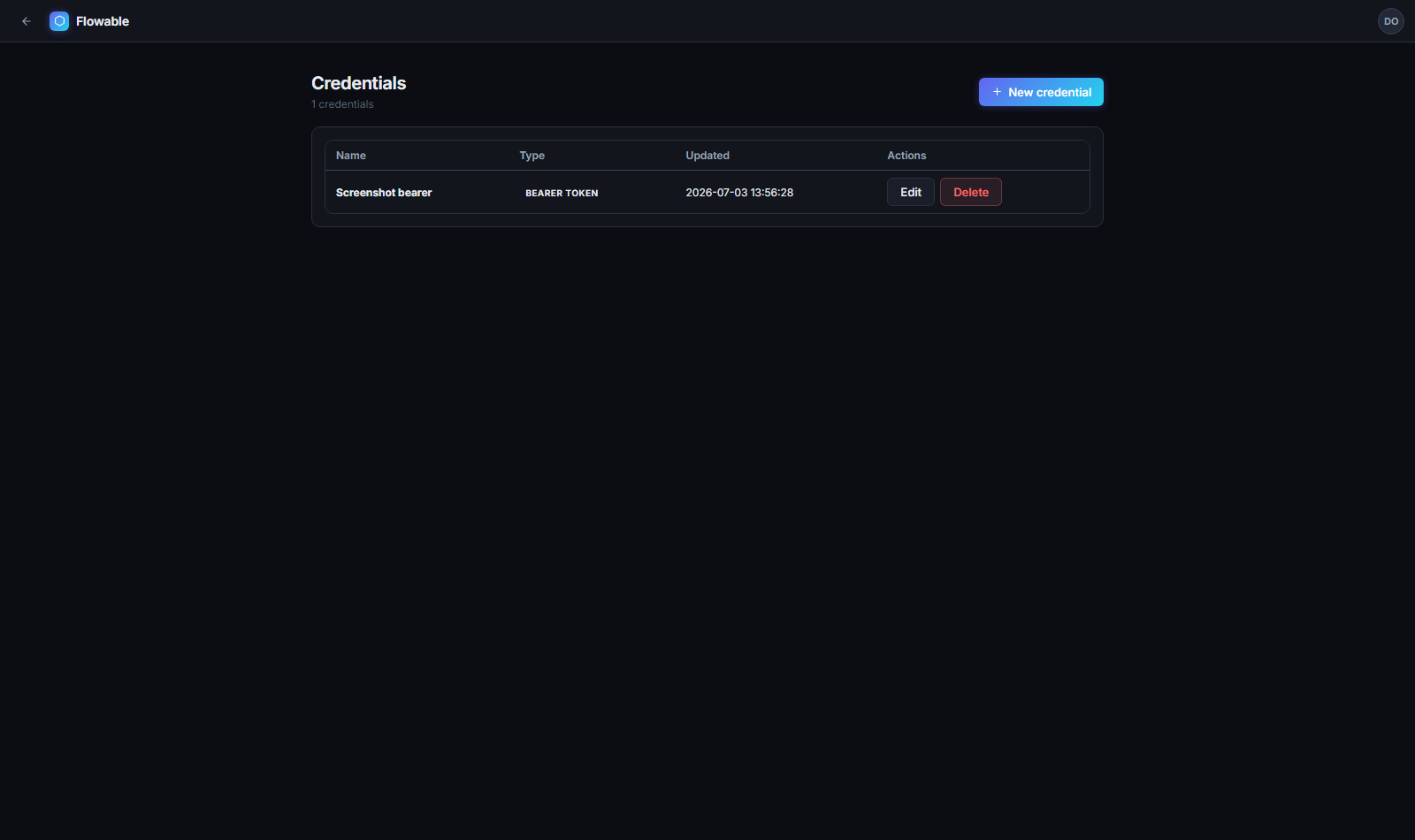
Seven built-in roles, from viewer to owner, with permission checks on every API call and encrypted credential storage.
USE CASEA platform administrator gives developers the builder role and on-call staff the operator role, keeping their responsibilities separate.
Deployment profiles & isolation
Optional extensions give a dedicated worker access to Docker, Kubernetes or Terraform without exposing them to the rest of the fleet. A separate emulator profile tests integrations locally without cloud dependencies.
USE CASEA DevOps engineer enables the Kubernetes extension on one dedicated worker so a specific workflow can safely read cluster logs.