LAN & Tailscale
Save IP addresses, hostnames and Tailscale addresses for each computer. Choose a default address or change it for one connection.
USE CASE
Connect to the same Omarchy computer at home and on the go without duplicate host entries.

REMOTE DESKTOP · WINDOWS & WAYLAND
Your Linux computer. From Windows.
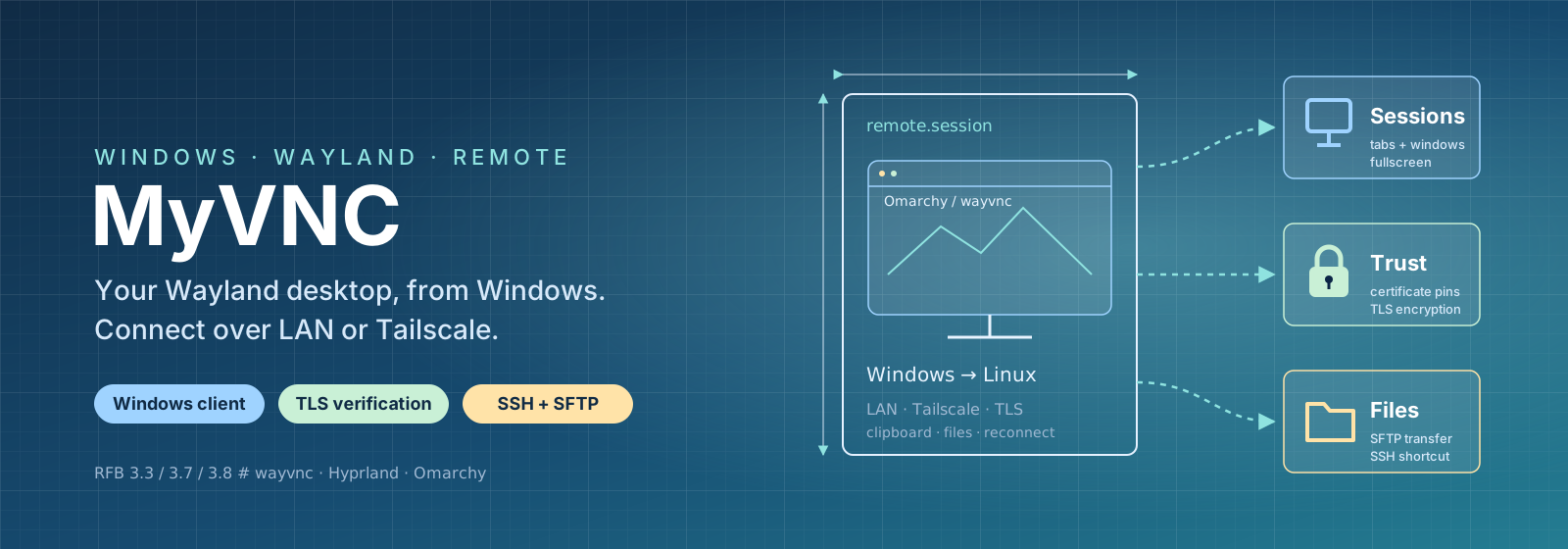
MyVNC is a VNC client for Windows, built to connect to Wayland computers running wayvnc over a local network or Tailscale. Organise connections, switch sessions and work in full screen, with verified server certificates and file transfers over SSH.
Windows 10/11 · Custom RFB client · For wayvnc, Hyprland and Omarchy
FEATURES & USE CASES
Save IP addresses, hostnames and Tailscale addresses for each computer. Choose a default address or change it for one connection.
Connect to the same Omarchy computer at home and on the go without duplicate host entries.
Check the server’s certificate fingerprint on the first connection. MyVNC saves it and warns if the certificate changes or encryption disappears.
Compare the certificate with the wayvnc server before sending your password.
Open sessions in tabs or separate windows. Full screen and an on-demand toolbar leave room for the remote desktop.
Switch between several Linux computers from one Windows window.
Send and retrieve files over SFTP to the host’s myvnc-shared folder. An SSH shortcut opens your terminal with the connection prepared.
Move a log file to Windows and open an SSH session for further troubleshooting.
Automatic reconnection attempts to restore interrupted sessions. Choose read-only viewing, clipboard direction and image scaling for each host.
Monitor a remote computer without accidentally sending keystrokes or clipboard content.
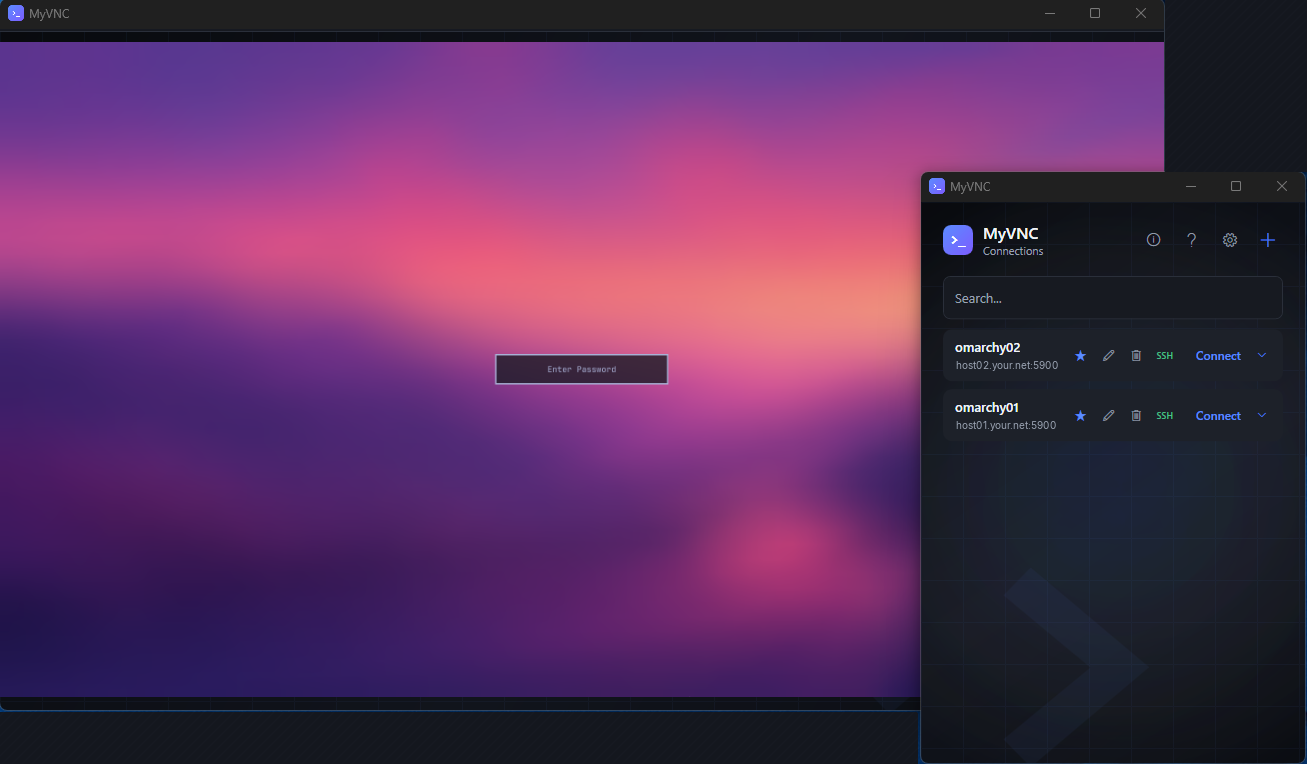
The app follows the Windows theme and accent colour, offers favourites and a taskbar jump list, and supports six Nordic and international languages.
Start your most-used remote session directly from the taskbar.
FROM THE INTERFACE
CURIOUS?
Take a look at MyVNC