Discover & classify projects
Add a project folder or search two levels below a root folder. Classify folders as repositories, future repositories or unclassified.
USE CASE
Organise a growing project library and see which folders still lack Git.

DEVELOPER TOOLS · PROJECT HYGIENE
Keep all your repositories in order.
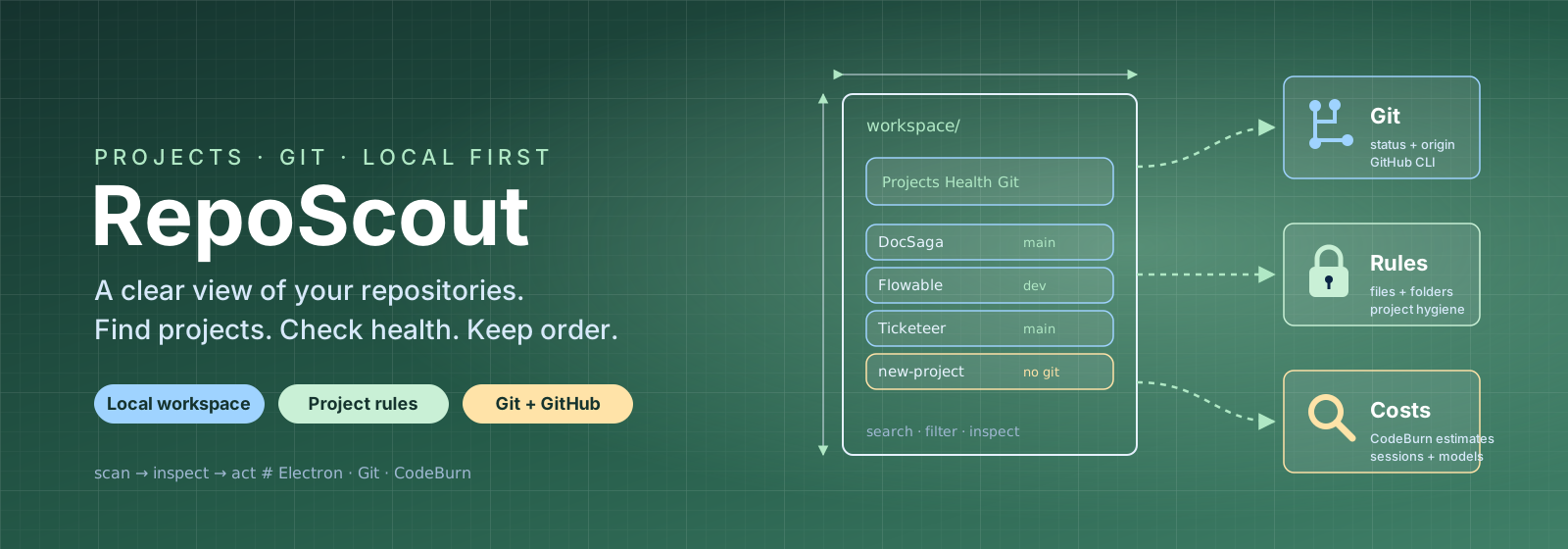
RepoScout brings development folders, Git status and project rules into one local workspace. Discover repositories, see which need attention and review each project in an inspector, with an optional overview of AI costs from CodeBurn.
Local Electron app · Windows and Linux · Omarchy installation
FEATURES & USE CASES
Add a project folder or search two levels below a root folder. Classify folders as repositories, future repositories or unclassified.
Organise a growing project library and see which folders still lack Git.
Check Git status and origin. Initialise Git or create a private or public GitHub repository through GitHub CLI after confirmation in the app.
Turn a local experiment into a repository with the right remote.
Define required or informational rules for Git, files and folders. The overview shows project health and required actions.
See which projects lack agent instructions or documentation according to your team’s rules.
Filter the project table and open an adjustable inspector. The command palette provides keyboard access to workspace actions.
Find a project among many and review its details without leaving the overview.
Optional CodeBurn data shows estimated costs and sessions per repository, with daily trends and model breakdowns.
Compare estimated token costs across projects and see how usage develops.
Configuration is stored in the app’s user data directory. GitHub uses the CLI’s existing login. The app can be installed in Omarchy’s application menu.
Use the same project overview on a Windows workstation and an Omarchy computer.