Performance & GPU
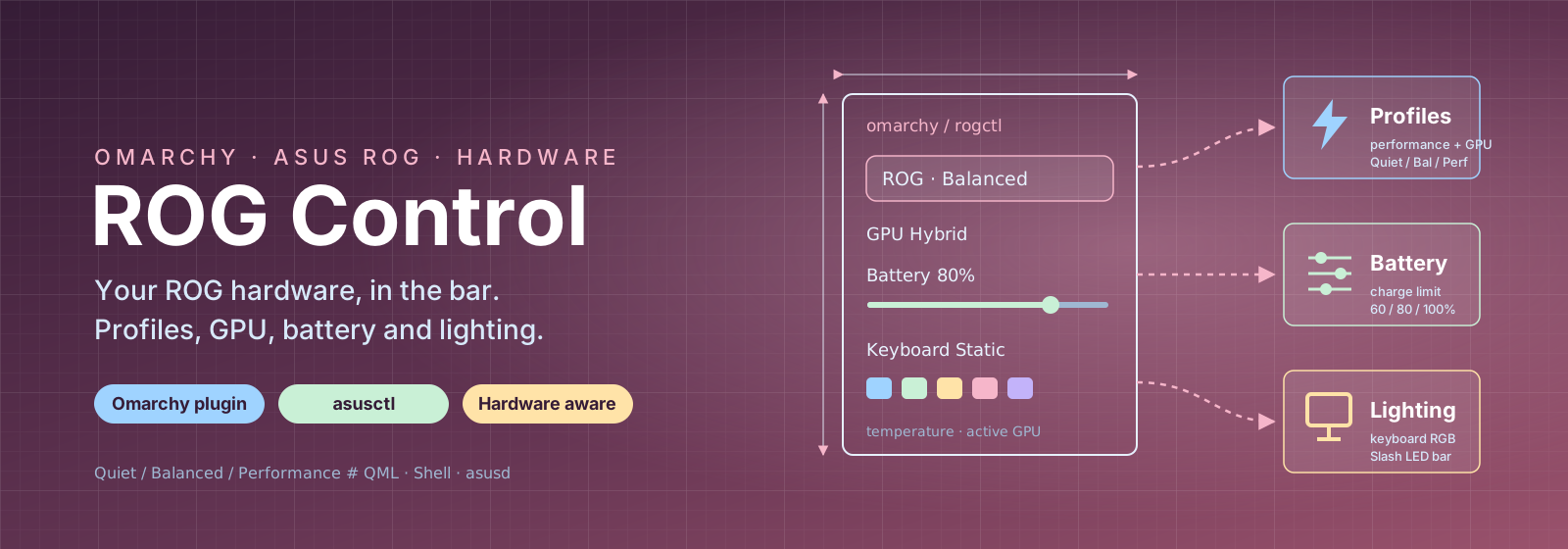
Switch between Quiet, Balanced and Performance. Control GPU MUX and dGPU eco; MUX is a BIOS setting that requires a restart.
USE CASE
Switch to a quiet profile during a meeting and back to performance when the load increases.

OMARCHY · ASUS ROG
Control your ROG. Right from the panel.
ROG Control is an Omarchy panel widget that controls ASUS ROG hardware through asusctl. Switch performance profiles, manage GPU mode and charge limits, and adjust keyboard lighting, with temperatures and current GPU status close at hand. Built for the Zephyrus G14 and adapted to what your computer supports.
Omarchy plugin · Requires asusctl and asusd · Features depend on hardware
FEATURES & USE CASES
Switch between Quiet, Balanced and Performance. Control GPU MUX and dGPU eco; MUX is a BIOS setting that requires a restart.
Switch to a quiet profile during a meeting and back to performance when the load increases.
Adjust the battery charge limit with a slider or presets of 60, 80 and 100 percent.
Set 80 percent at your desk and choose 100 before a trip.
Choose brightness, RGB effects, colour and speed. The rear Slash light bar appears on supported models; the RGB list follows the keyboard’s supported modes.
Adjust lighting to your workspace directly from the Omarchy panel.
Read CPU, iGPU and dGPU temperatures and see whether dedicated graphics are active. Missing optional monitoring tools hide their corresponding values.
See whether an application has activated the dGPU and monitor its temperature without a separate app.
Actions and values are validated in control.sh before asusctl runs. Status is read separately, and available controls follow hardware support.
Use the same panel on another ASUS computer without controls for unsupported features.
Install through Omarchy’s plugin manager. The panel also includes display overdrive and BIOS startup sound when supported.
Place hardware controls alongside other desktop panel widgets.
CURIOUS?
Take a look at ROG Control